Everything you need to prospect, reach out, and follow up
One workspace for finding leads, writing outreach, and tracking every conversation — instead of stitching together a scraper, a mail merge tool, and a spreadsheet.
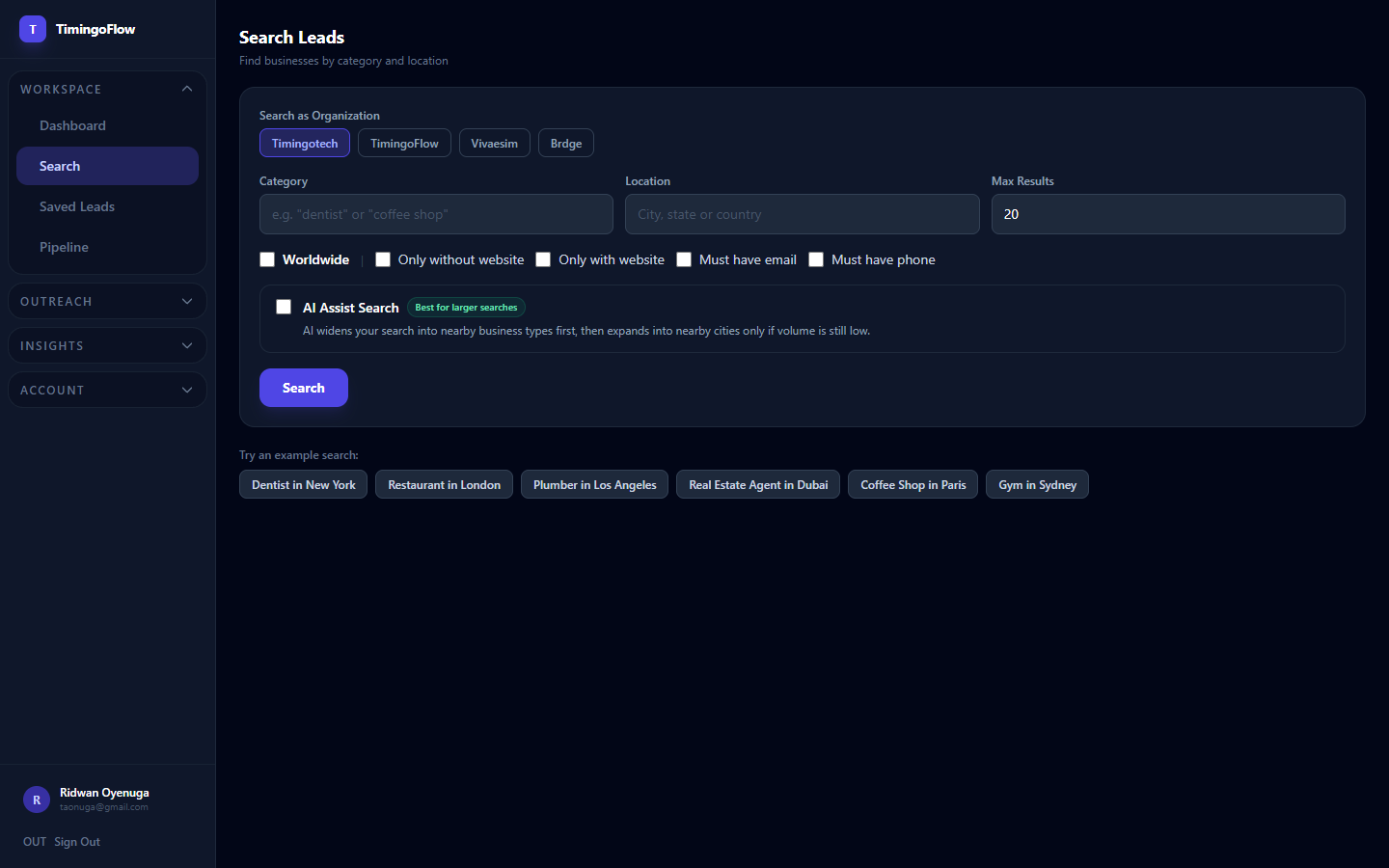
Find businesses by niche, city, country, and keyword
Stop guessing who to contact — search by industry and location and get a targeted list in seconds instead of hours of manual Googling.
- ✓Search by niche, city, country, or keyword
- ✓Results update in real time
- ✓Works for any country you target
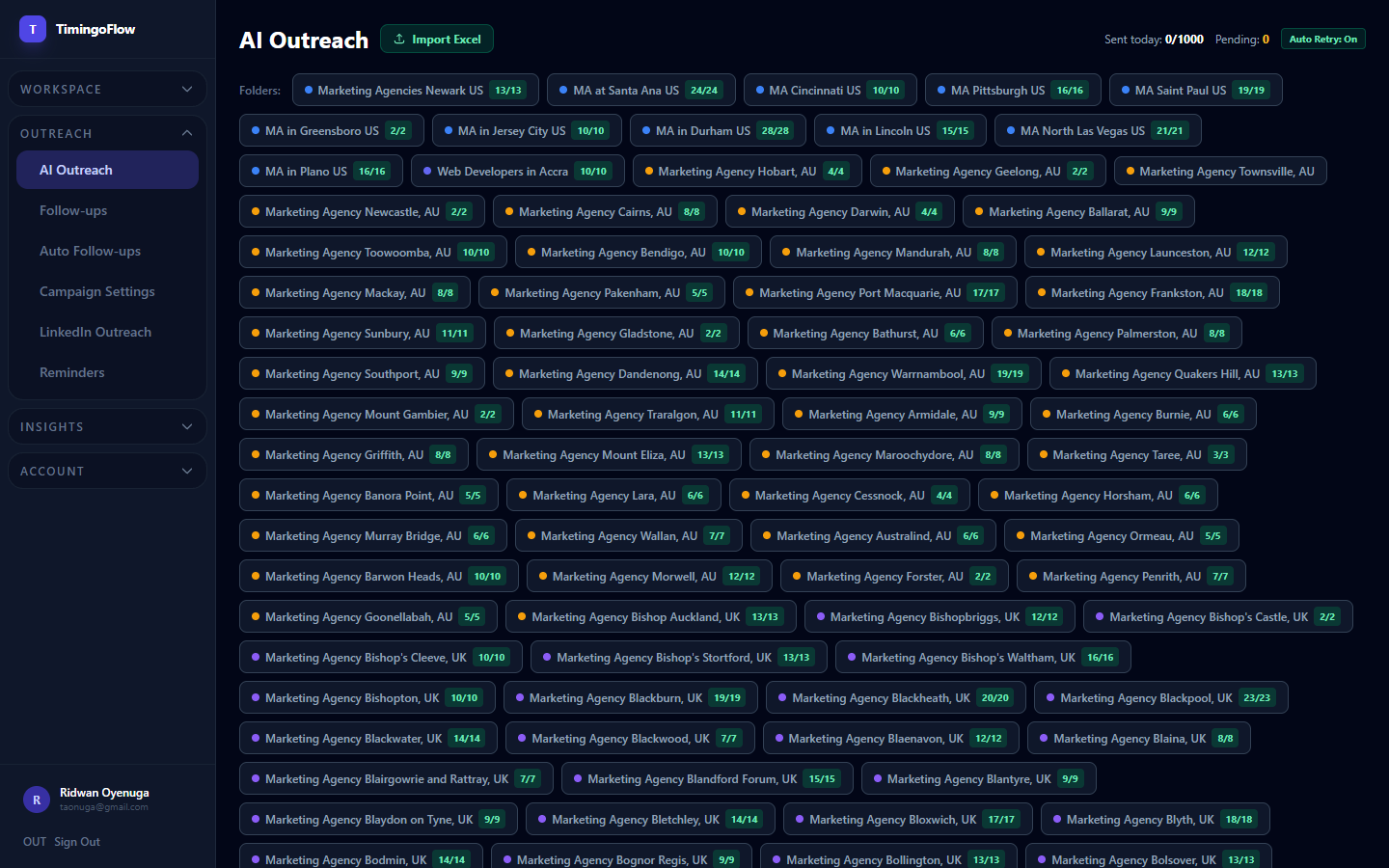
Generate personalized emails based on business type and offer
Replace generic templates with messages that reference the specific business, so replies come from relevance, not volume.
- ✓Personalized per business
- ✓Editable before sending
- ✓Multiple tones and offers
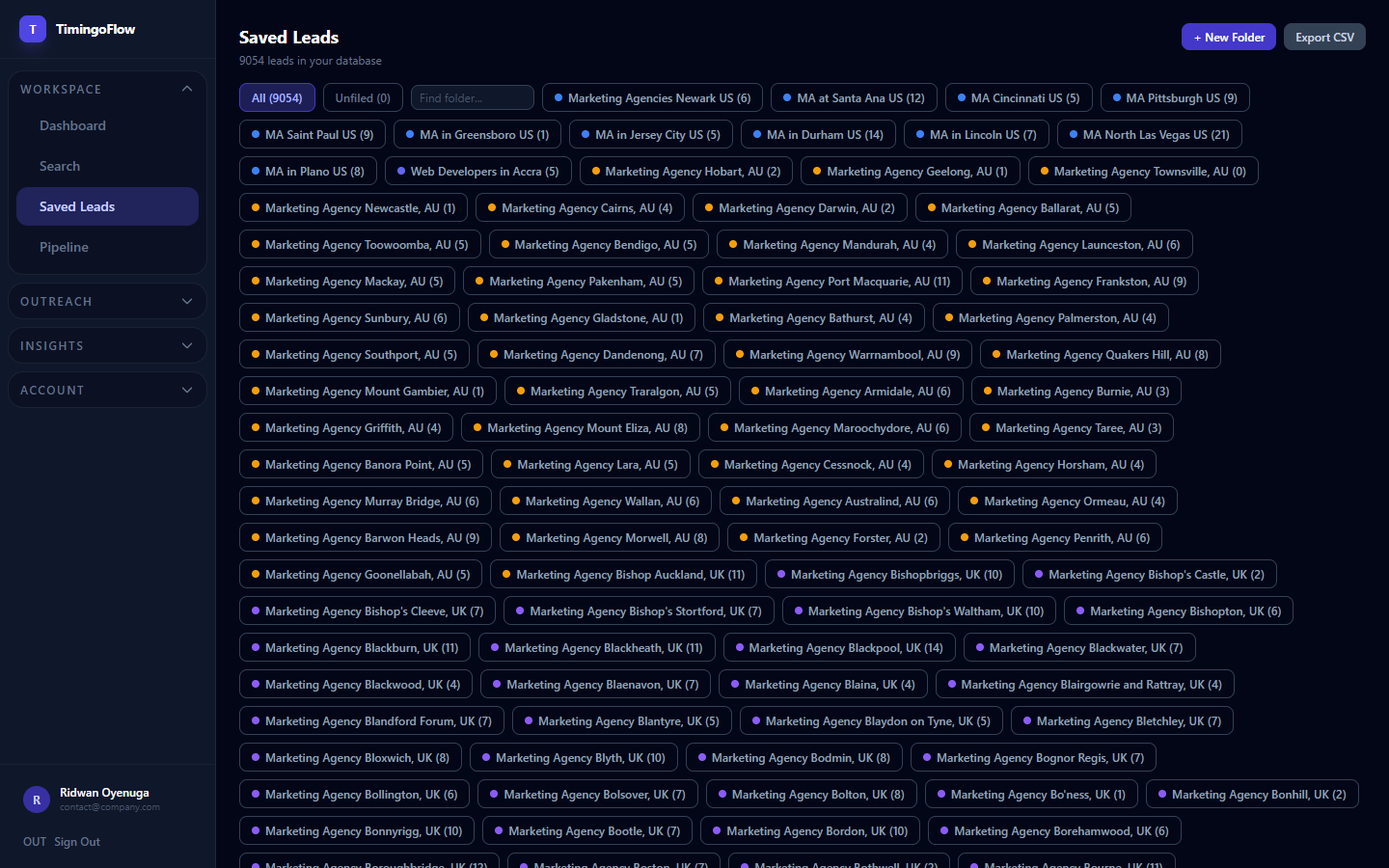
Organize prospects by campaign, client, niche, or country
Keep every client or campaign's prospects separate so nothing gets mixed up when you're running multiple lists at once.
- ✓Folder per campaign, client, or niche
- ✓Move or copy leads between folders
- ✓Built for agencies managing multiple clients
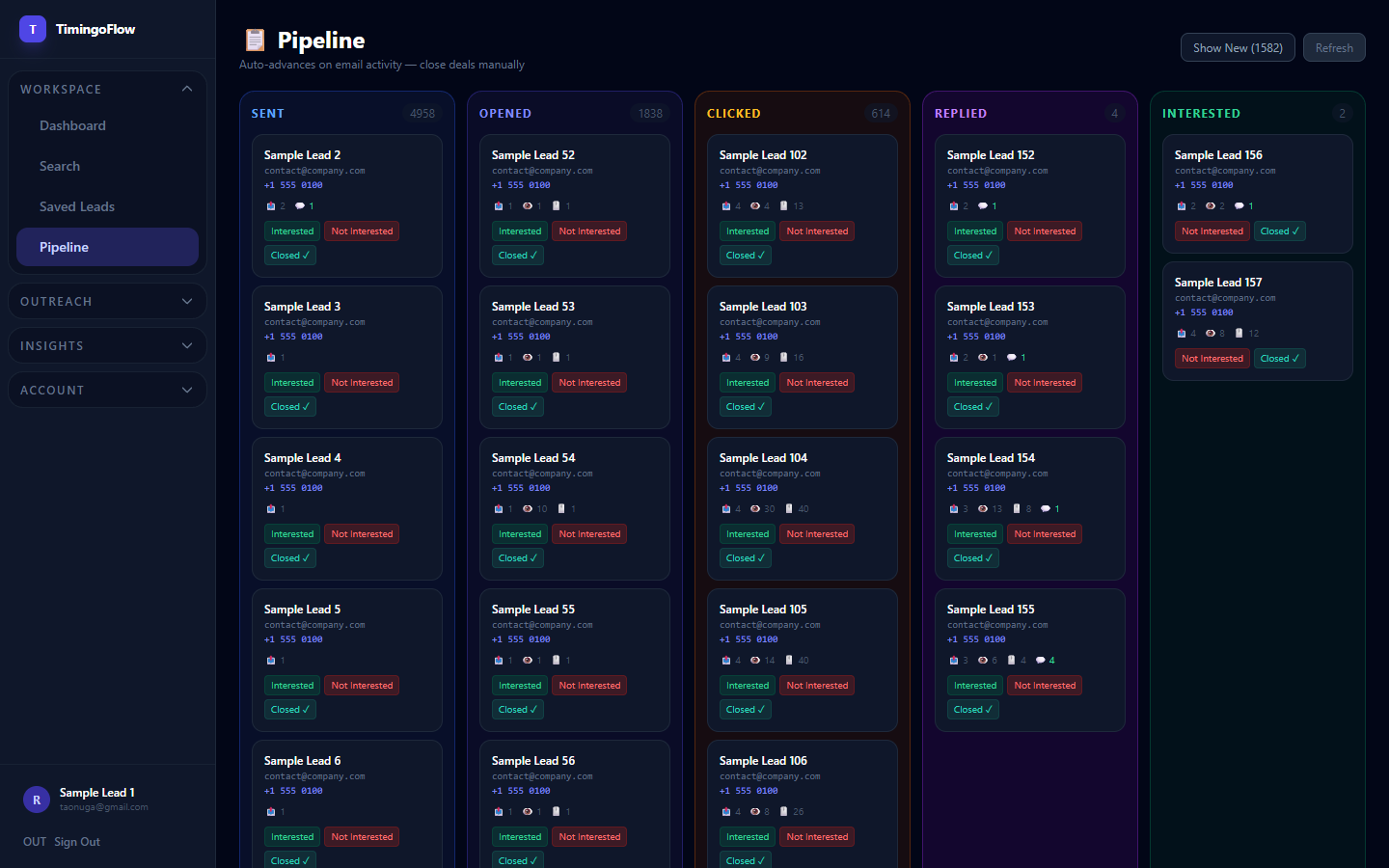
Track leads from New → Contacted → Replied → Meeting Booked → Won/Lost
See exactly where every prospect stands without a separate spreadsheet, so nothing falls through the cracks.
- ✓Custom pipeline stages
- ✓Drag-and-drop lead status
- ✓Full history per lead
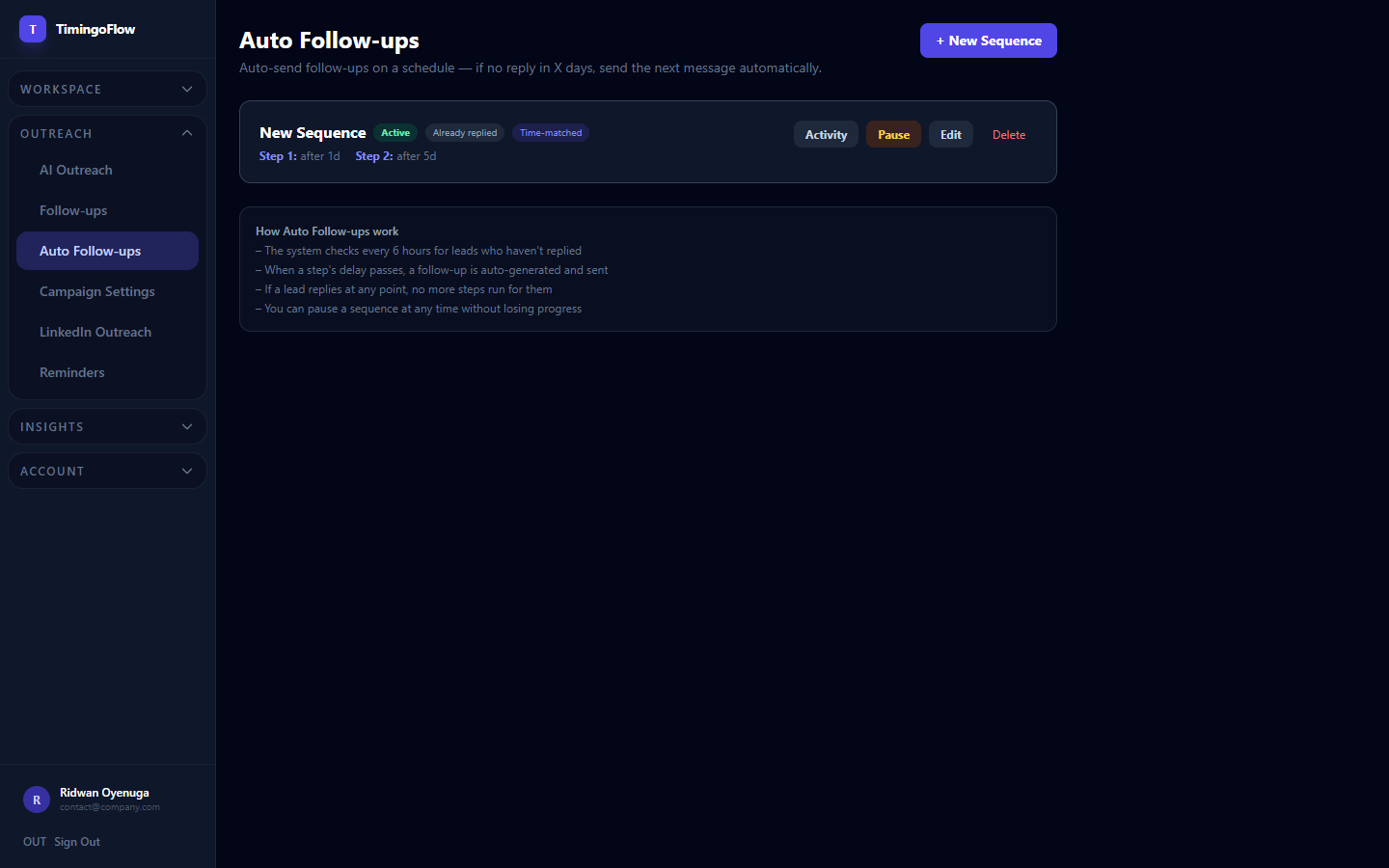
Never forget to follow up after first outreach
Automatic reminders mean a lead who didn't reply on day one still gets a second and third touch — where most deals are actually won.
- ✓Auto-send follow-ups on a schedule
- ✓Stops automatically once a lead replies
- ✓Pause a sequence anytime without losing progress
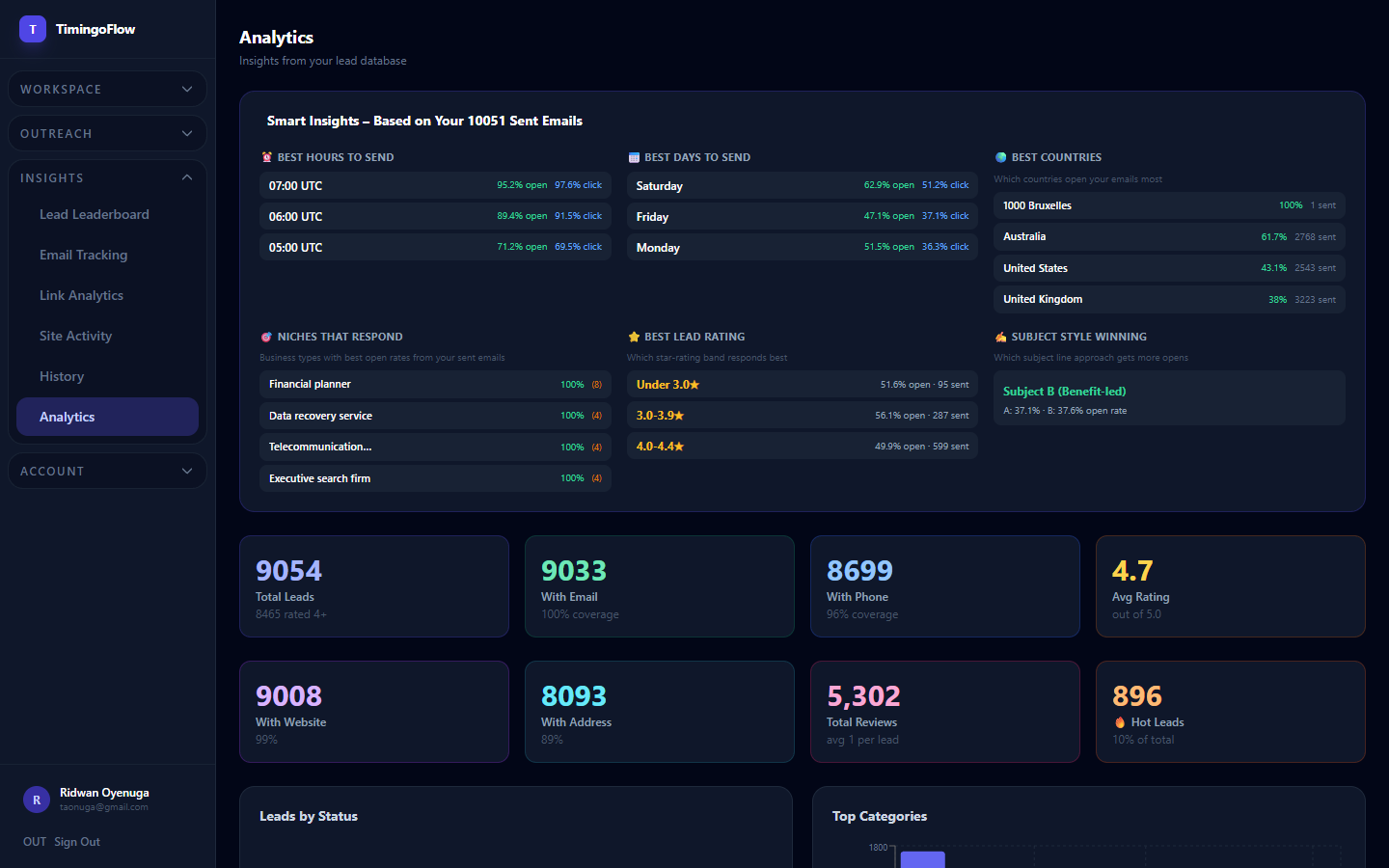
Track leads found, emails generated, replies, and booked calls
Know what's actually working — by campaign, by folder, by outreach message — instead of guessing at your response rate.
- ✓Leads, emails, replies, and bookings in one view
- ✓Filter by date range or campaign
- ✓Exportable reports